

Bee Tactical – Gear for Every Mission


Gens ACE G-Tech Smart Li-Pol Battery 7.4V / 300 mAh, 35C (JST) – HPA
6,96 € (exc. VAT)
In stock: 20
How to charge a Li-Po battery with a G-Tech Smart connector
A Li-Po battery with a G-Tech Smart connector can be charged in two ways. With a compatible G-Tech Smart charger, the battery parameters are recognised automatically. When using a conventional universal Li-Po charger, the correct battery type, number of cells and charging current must be set manually.
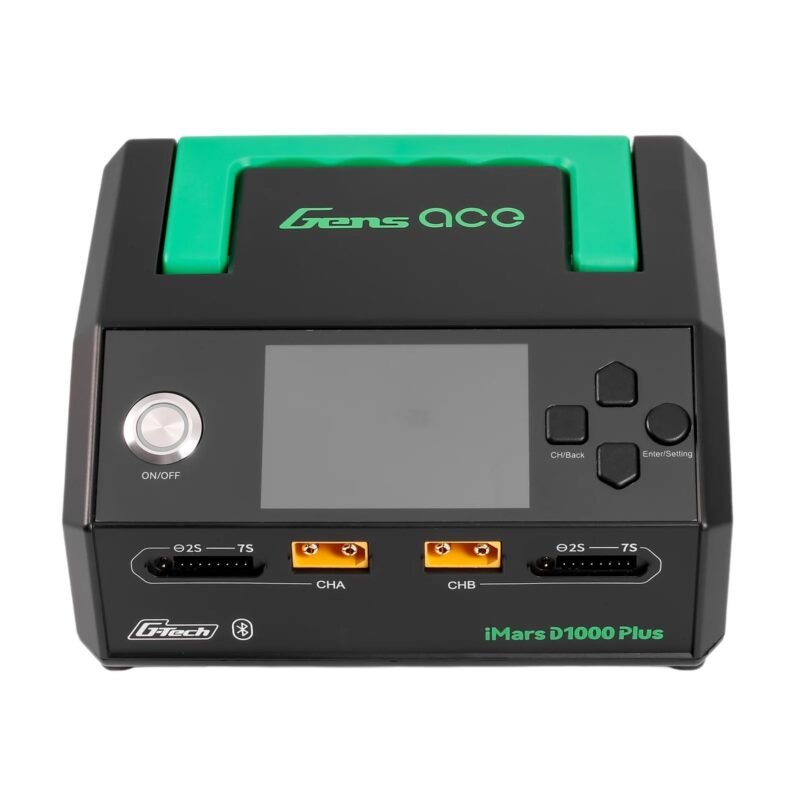
A) Charging with a G-Tech Smart charger (e.g. iMars mini / D300)
A G-Tech Smart charger automatically recognises the battery parameters using the integrated chip. There is therefore no need to manually set the battery type, number of cells or charging current.
- Connect the main power connector: Connect the battery’s black connector (JST-SYP) to the corresponding charger port. If necessary, use a compatible adapter supplied with the charger.
- Connect the G-Tech Smart balance connector: Plug the black balance connector into the designated G-Tech port on the charger. The connector can only be inserted correctly in one orientation.
- Wait for automatic detection: The charger reads the information stored in the battery chip and displays its parameters, such as LiPo, 2S, 300 mAh.
- Start charging: The charger automatically sets the appropriate charging parameters. For a 300 mAh battery, a current of 0.3 A is typically used. Depending on the charger type, confirm the start of charging or the process may start automatically.
- Wait for charging to finish: The charger indicates a full charge with an audible signal, indicator light or Full / Charge Done message. Then disconnect the battery.
B) Charging with a conventional universal Li-Po charger (e.g. SkyRC iMax B6)
A conventional Li-Po charger cannot read data from the G-Tech Smart chip. You must ..
| Manufacturer | |
|---|---|
| Variants | |
| Color | |
| Length | |
| Battery type | |
| Connector type | |
| Battery included | |
| Battery Charger |
Related products
Select options
This product has multiple variants. The options may be chosen on the product page

HELIKON Urban Tactical Shorts(R) 6″ – 6 Color Desert
40,16 € (exc. VAT)Manufacturer: HELIKON
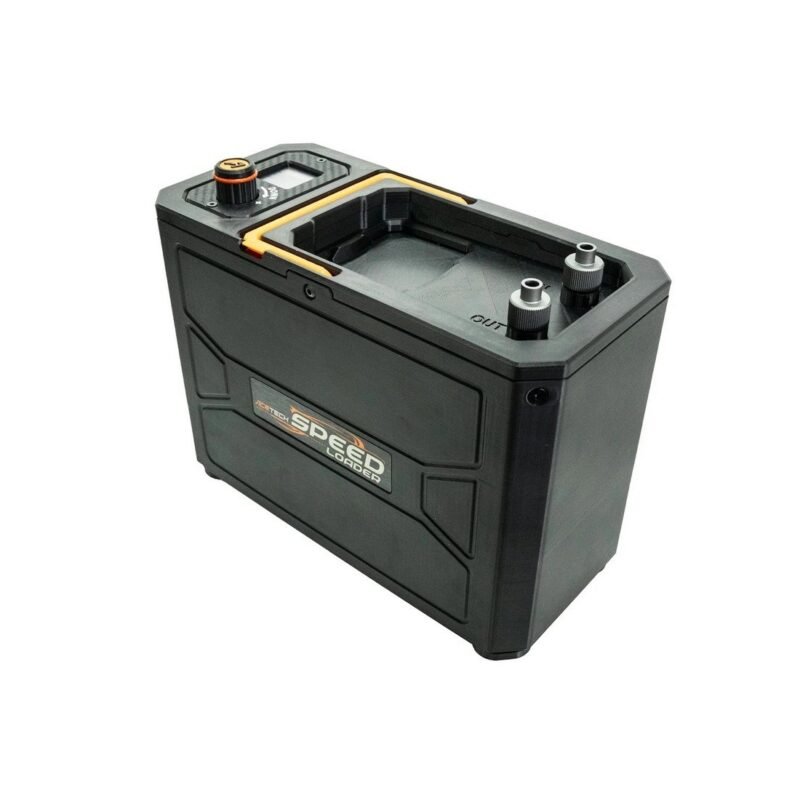
AceTech Magazine Electric Speed Loader, 12 000 BBs – Black
349,15 € (exc. VAT)Manufacturer: AceTech